
Domain & SSL monitoring
Rokn checks your clients' domains and certificates and warns you 30 and 7 days before they expire.


Your client business, all working together. CRM, projects, time tracking, invoicing, a client portal and a help desk in one workspace, built for people who deliver digital work.
Explore RoknBuilt for the people who build for clients.
Freelance web developersDesign studiosSmall digital agenciesYou didn’t go independent to become a full-time admin.
Sound familiar? The work is yours. The context is everywhere.
Your workspace
01ClientA client in your CRM
Primary contact · billed in EUR
CRMPrimary contact
02QuoteA quote in a Word file
QT-2026-009 · €5,760 · approved
Quote_v3.docxQuote_v3_FINAL.docx€5,760
03ProjectTasks on a board
Website design · tasks, milestones and hours
BoardWebsite design
04FilesFiles in a drive
Sitemap and wireframes · visible to the client
Files_v2.zipFiles_v2_FINAL.zipSitemap and wireframes
05InvoiceInvoices in a spreadsheet
€5,760 · copied from QT-2026-009
24Invoice€5,670≠ €5,760
06SupportSupport in your inbox
Requests answered from the help desk
Re: Fwd: Support – Requests answered from the help desk09:47
07VaultPasswords in a notes app
Hosting login · every reveal logged
Vault – Hosting login
08AssetsRenewals in your head
Domain and SSL certificate · expiry watched
Assets – Domain and SSL certificate
A real job
One five-page website, from the first call to the last payment. The project in the middle, with its tasks, hours, files and logins, sits on the same client record as the quote and the invoice, so nothing is typed twice.
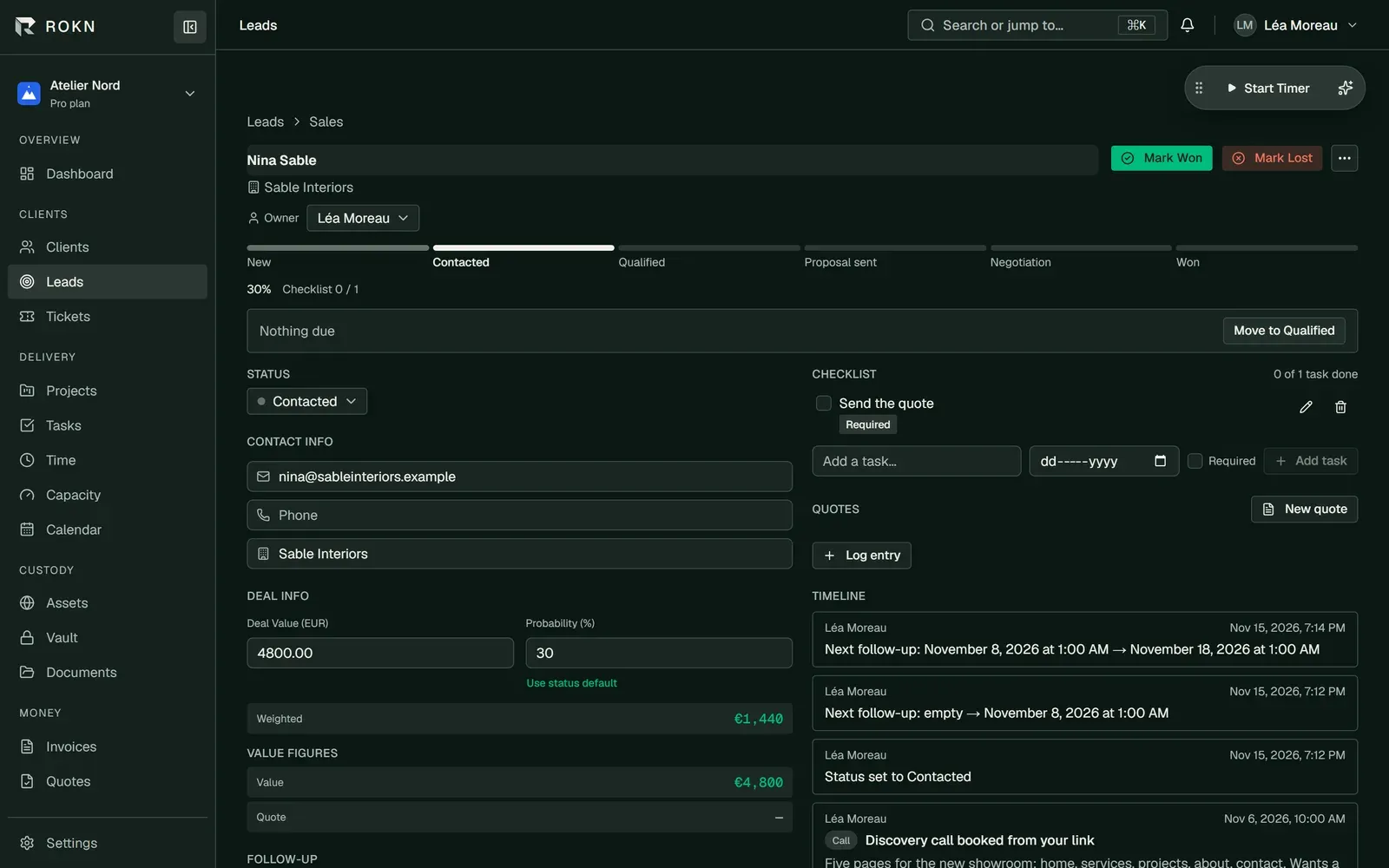
Sable Interiors · five-page website · sample job
Lead · call booked from your link
€4,800
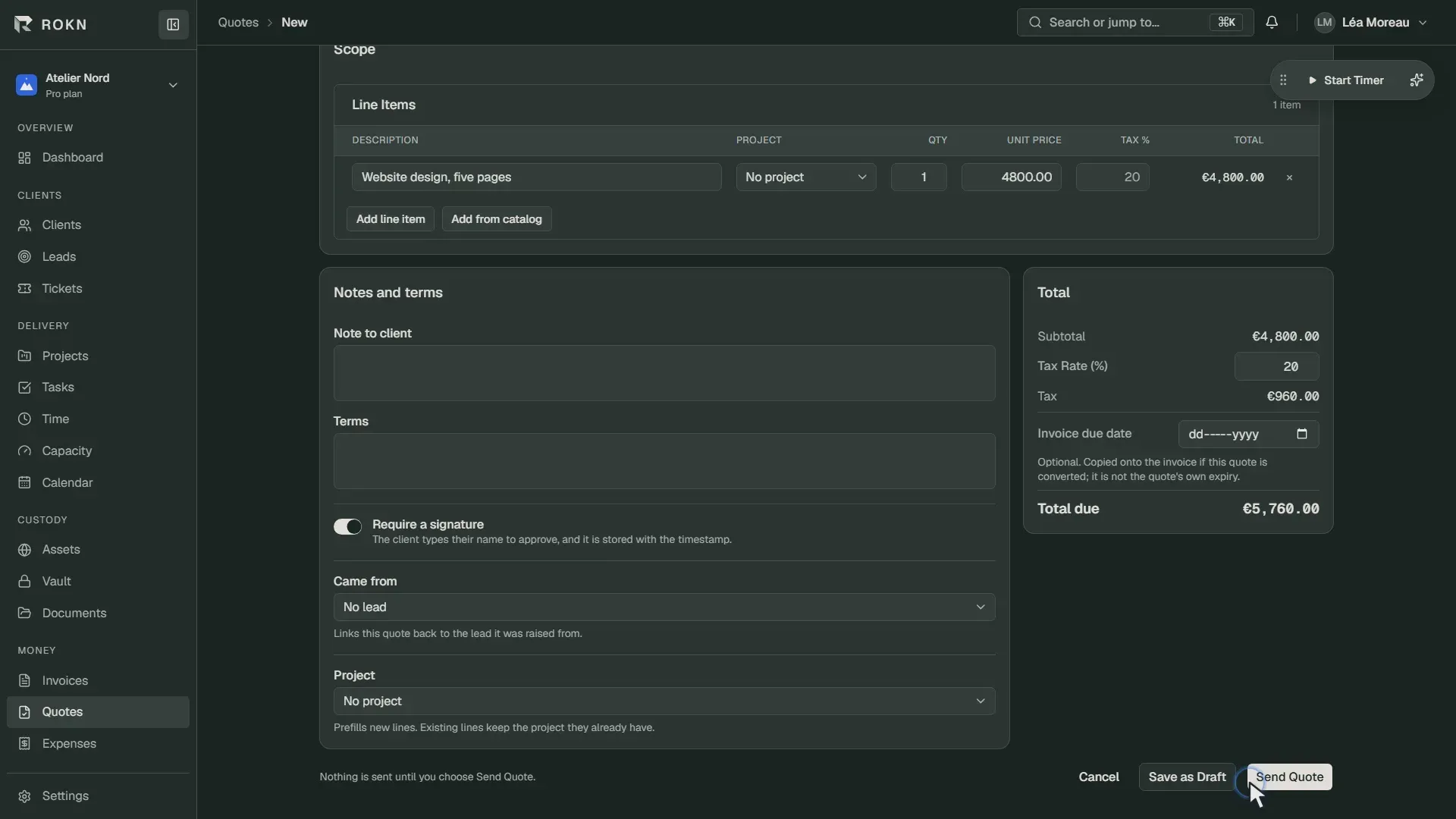
QT-2026-009 · €4,800 + 20% VAT
€5,760
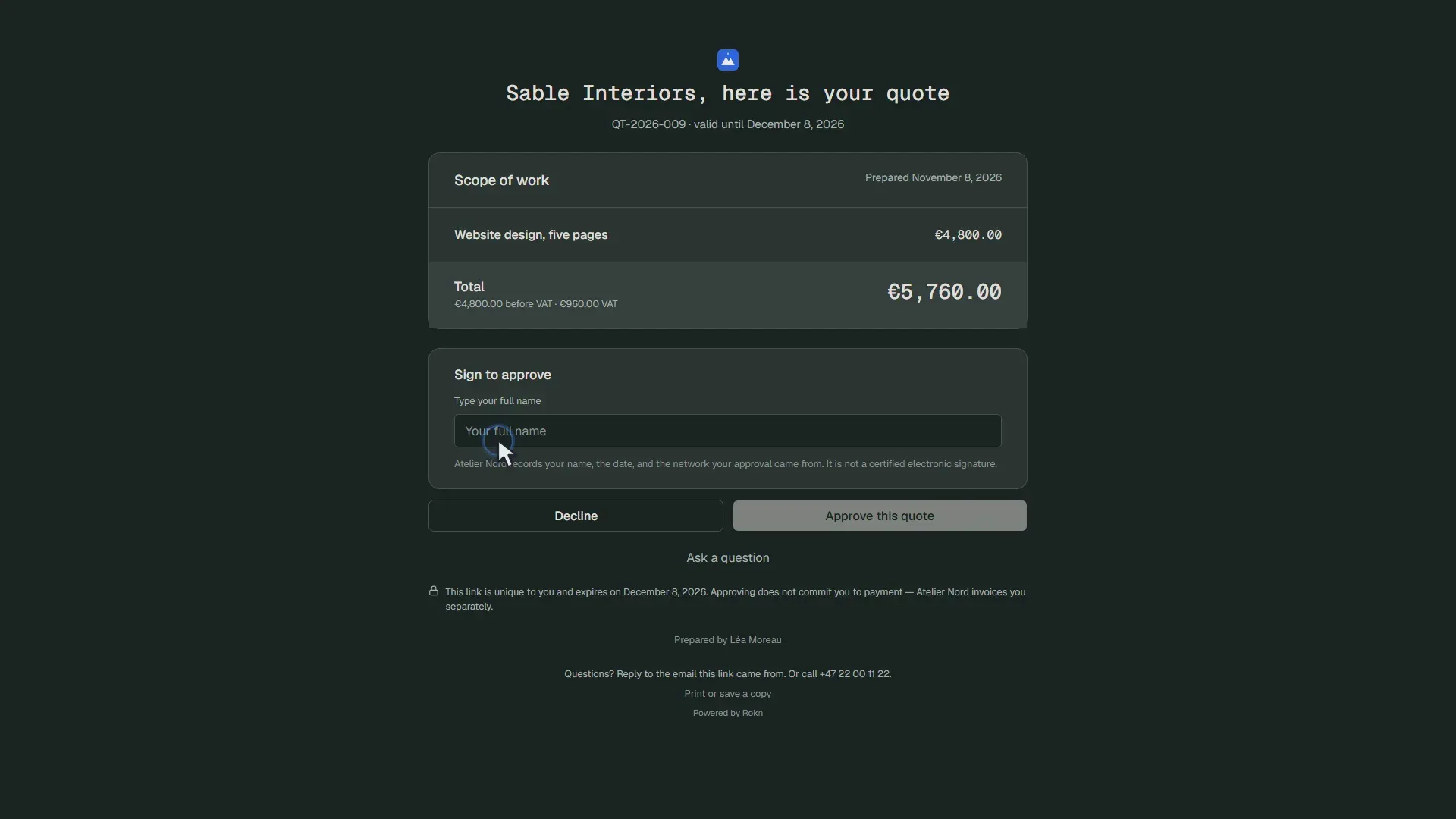
QT-2026-009 · approved by Nina Sable
€5,760
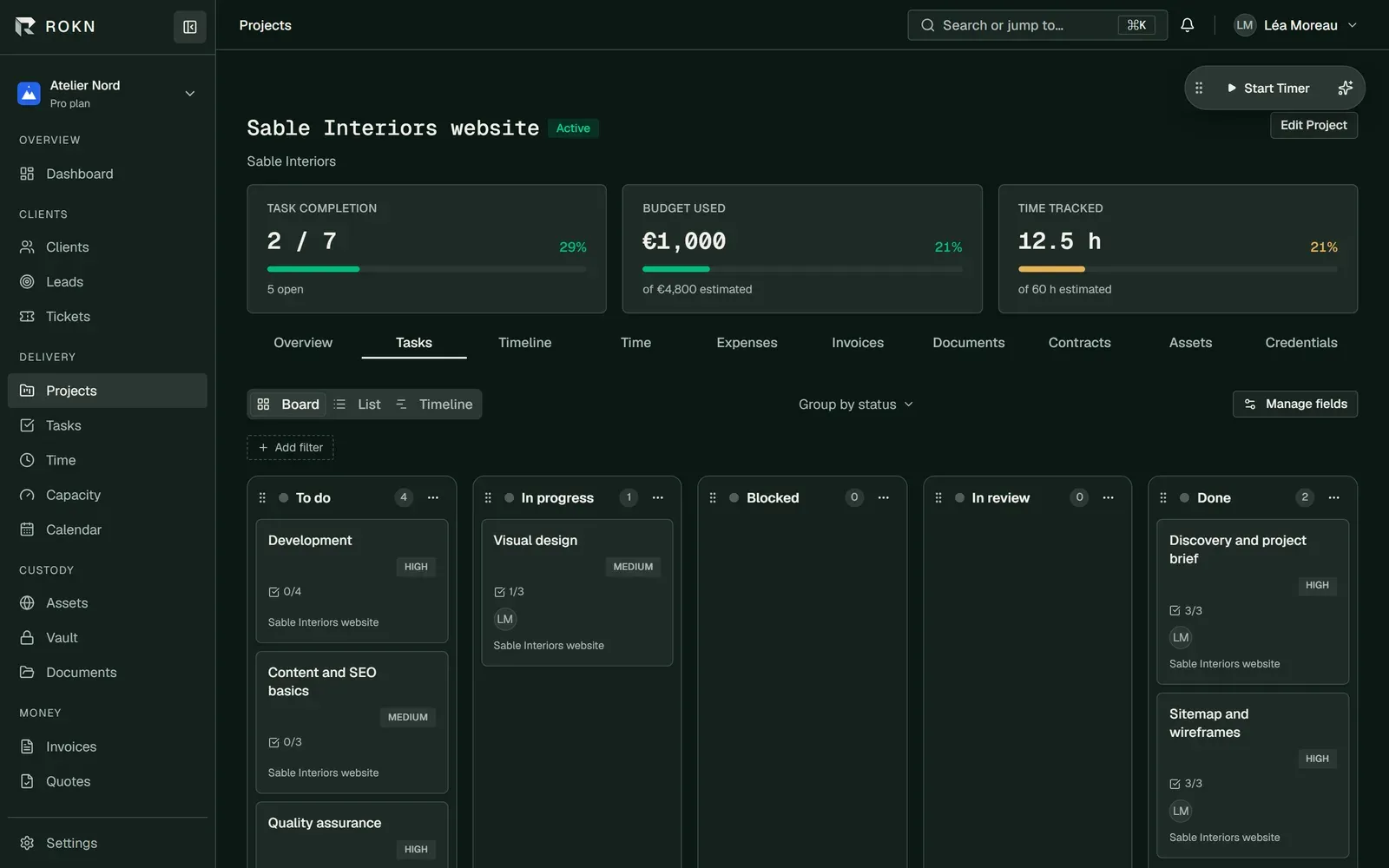
Sable Interiors website · 2 of 7 tasks done · 12.5 h logged
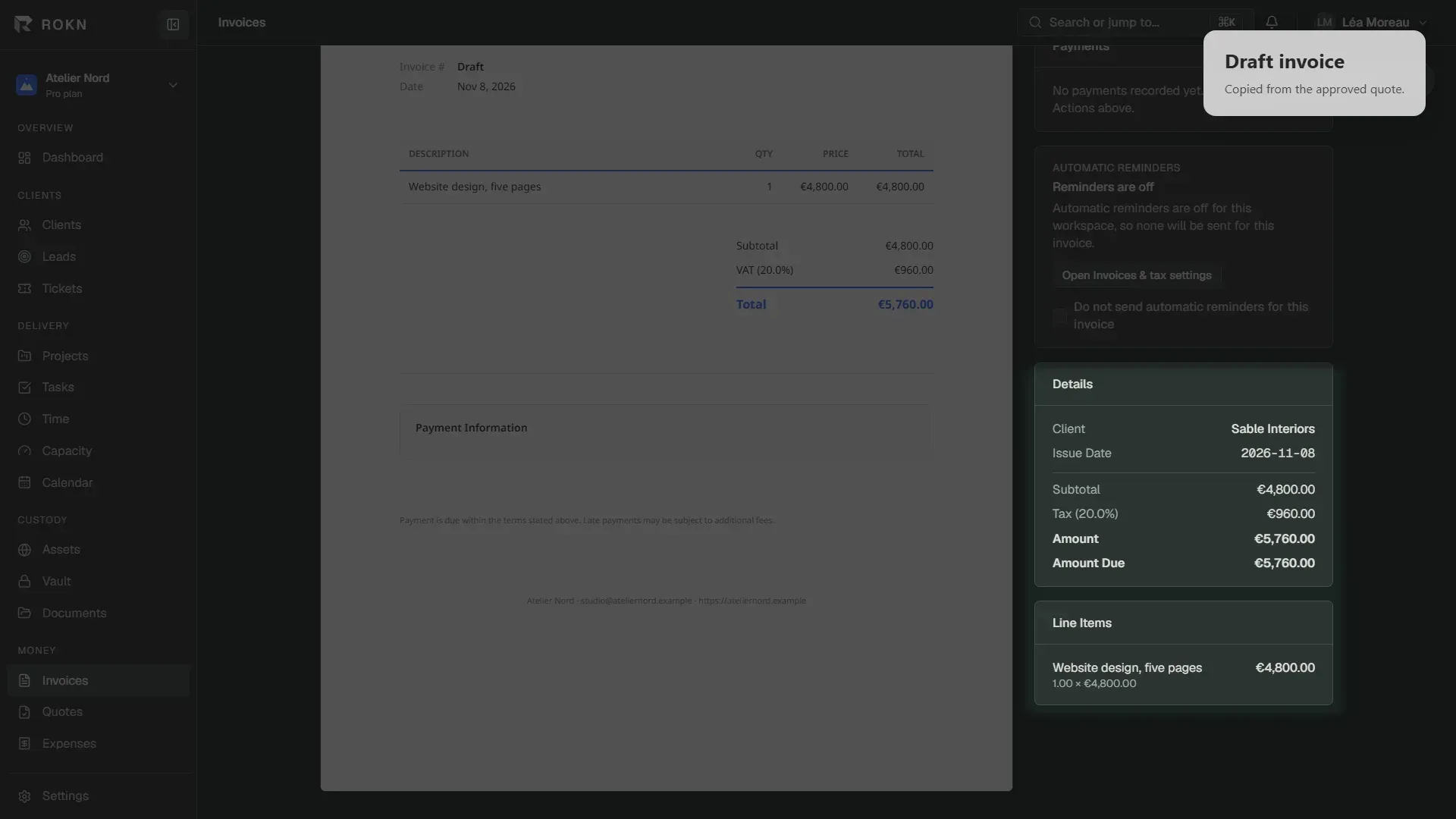
Draft invoice · copied from QT-2026-009
€5,760
Invoice · paid by card
€5,760
Open a project. Follow the money. Find the latest files. Take a look around a workspace that already fits together.
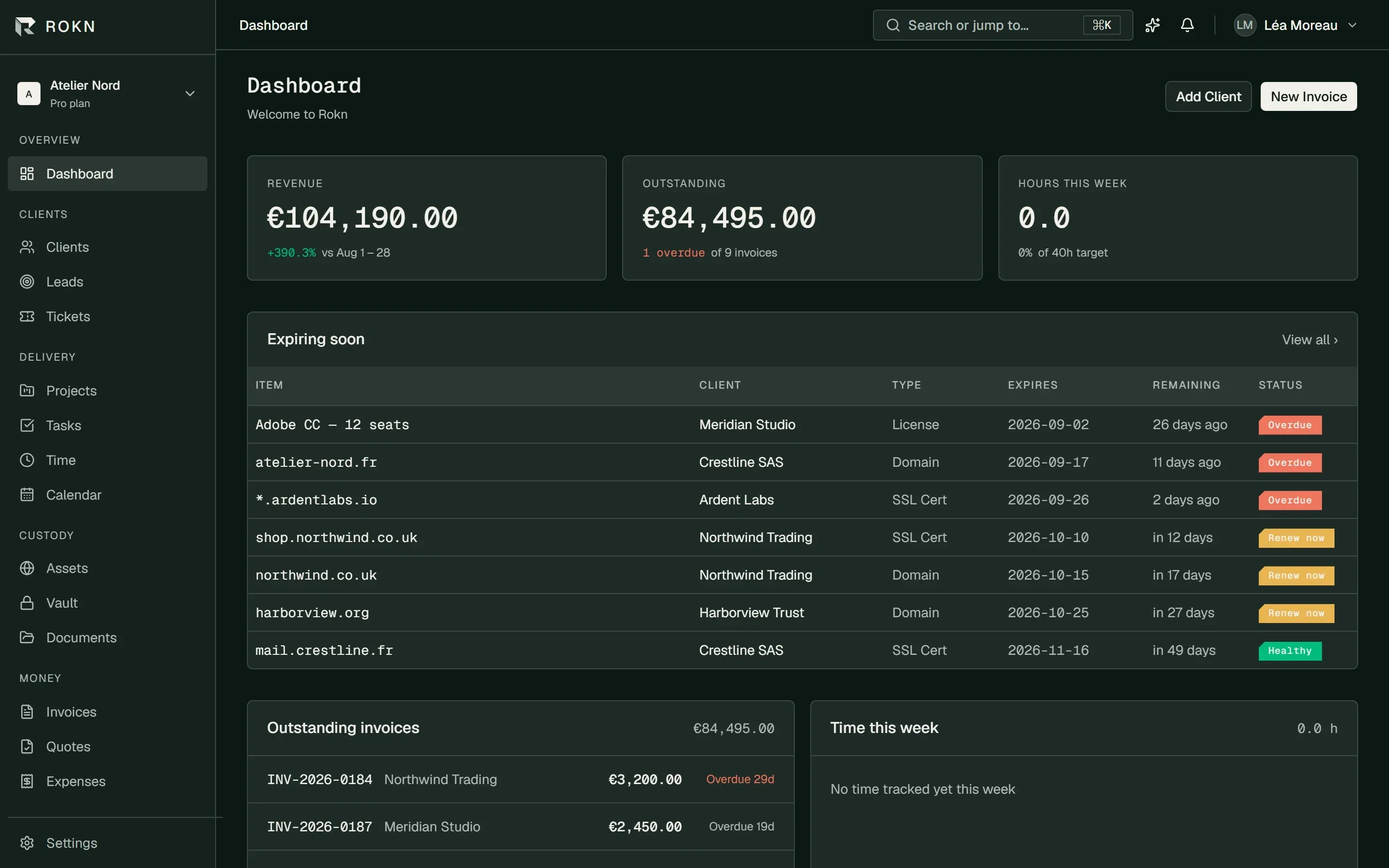
What Rokn adds to CRM, projects and invoicing.
Rokn checks your clients' domains and certificates and warns you 30 and 7 days before they expire.
Hosting and CMS logins encrypted with AES-256-GCM, revealed only after your password, logged every time.
Repositories, CI status and deploys on the project, with issues and tasks kept in sync both ways.
Clients pay by card into your Stripe account or with PayPal into yours. Rokn adds no platform fee and never holds your money.
An MCP server with more than 150 tools, a REST API and signed webhooks, so Claude or your own scripts can work with your data.
Rokn and its client emails in English, French, Spanish, Portuguese, German, Arabic, Chinese and Hindi, with Arabic laid out right to left.
Row-level isolation per workspace, two-factor sign-in, breached-password checks, virus-scanned uploads and an audit log.
The follow-up that slips when you're busy, handled while you do the actual work.
Reminders go out before and after the due date, in your words and in the client's language.
Monthly retainers and yearly renewals are issued on schedule, and sent to the client if you allow it.
Expiring domains and invalid certificates reach you before they reach your client.
A lead that sits too long in one stage is flagged to its owner.
The team is warned before a support ticket misses its target.
People who haven't signed a contract get a reminder, and you hear when it's signed.
Ask which invoices are late, or have it set up a project from your notes. It works on your real workspace data and changes nothing until you approve the plan.
Meet your assistant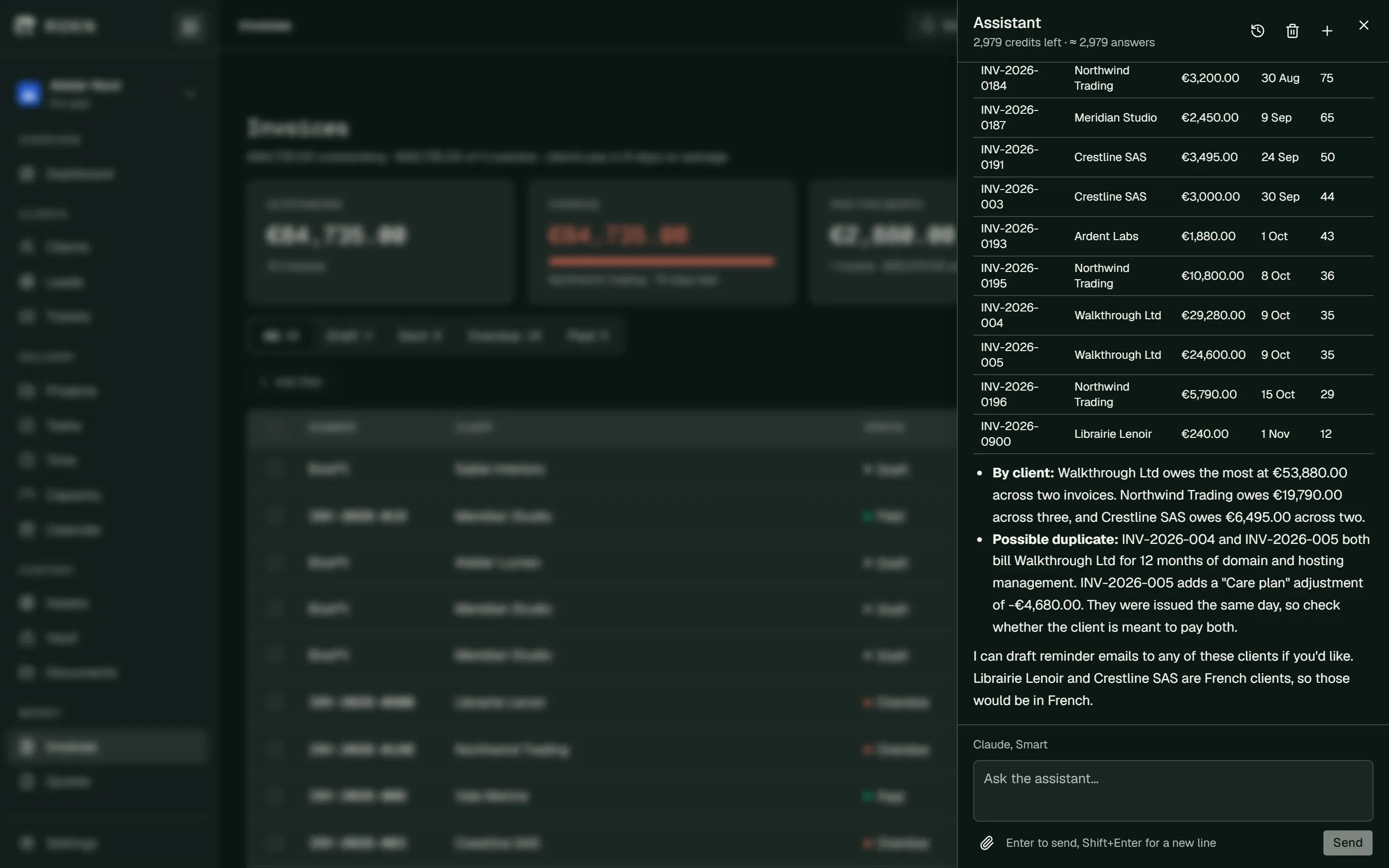
Clients, leads, quotes, e-signed contracts and booking links in one place.
Explore CRMProjects, tasks, milestones, team capacity and two-way GitHub sync.
Explore Project managementA timer on every page, billable hours and invoices built from tracked time.
Explore Time trackingClient folders, versions, protected share links and storage in the EU, the US or your own S3.
Explore File sharing & documentsInvoices, payments to your own Stripe or PayPal, automatic reminders, retainers and expenses.
Explore Invoicing & paymentsA portal where clients follow the work, pay and sign, plus a help desk with response targets.
Explore Client portal & help deskDomain and SSL expiry checks, renewals and costs for every client site you look after.
Explore Domain & SSL monitoringClient logins encrypted in one vault, shared in the portal, logged on every reveal.
Explore Client password vaultAn assistant that works on your real data and asks before it changes anything.
Explore AI assistantRoles and access per section, sign-in security, audit log, export and several workspaces.
Explore Team & rolesA portal for each client with the projects, files and invoices you choose to share. Quotes, contracts and payments also work from a link, no account needed.
Explore the client portal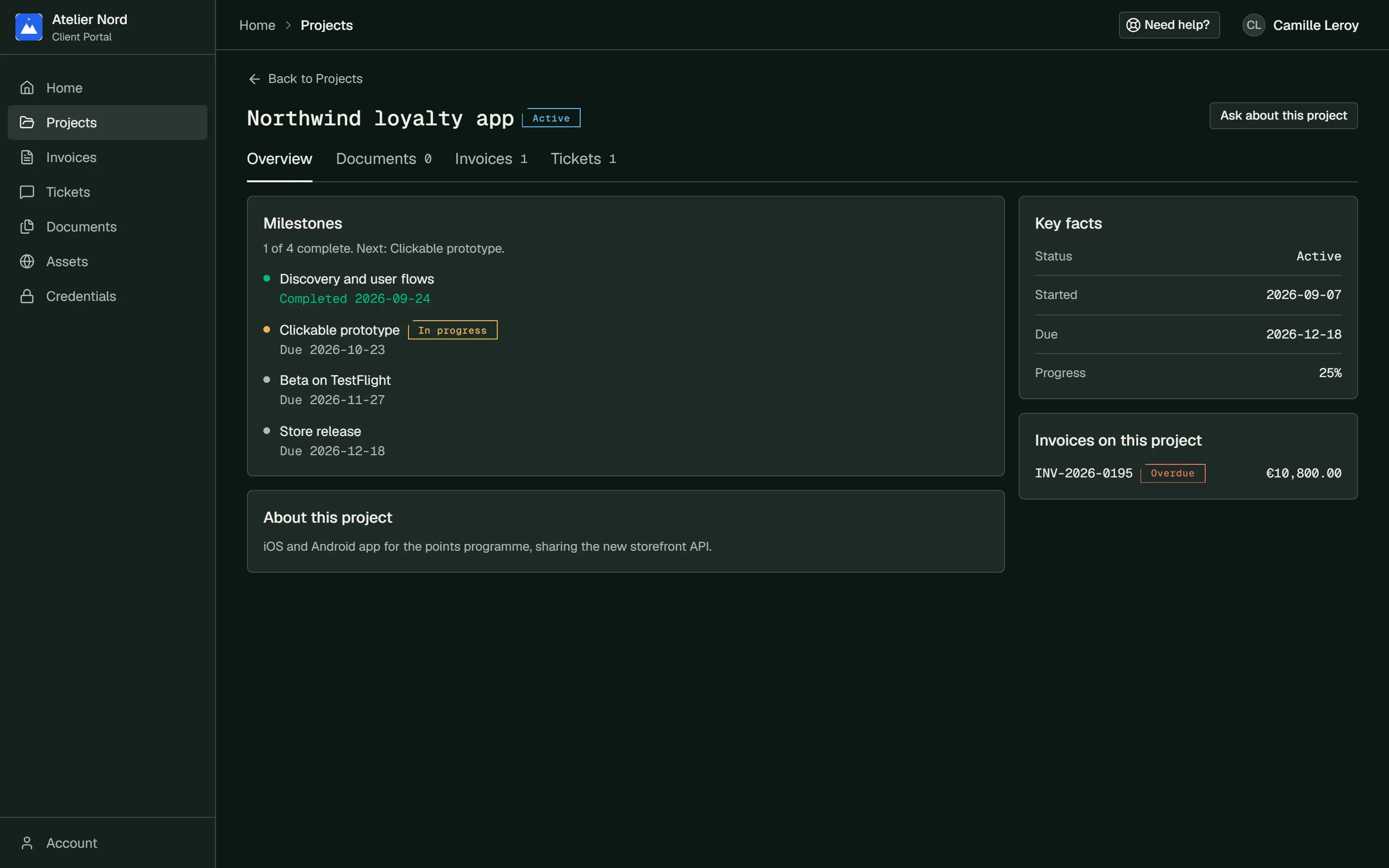
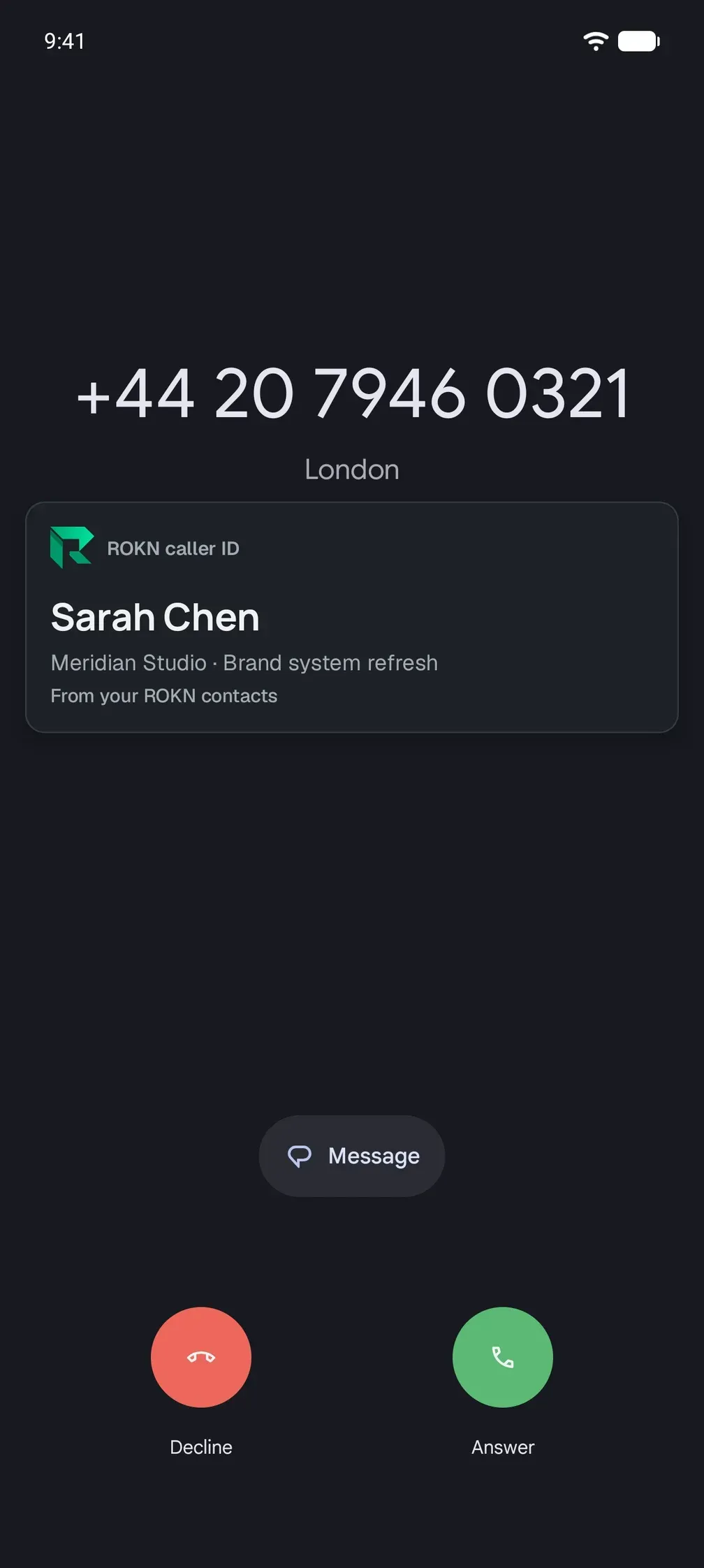
Coming soon: the Rokn app
Coming soon to Android and iPhone: your day, your projects and the assistant on your phone, and a client's name on screen when they call. Until then, Rokn works in your phone's browser.
See the app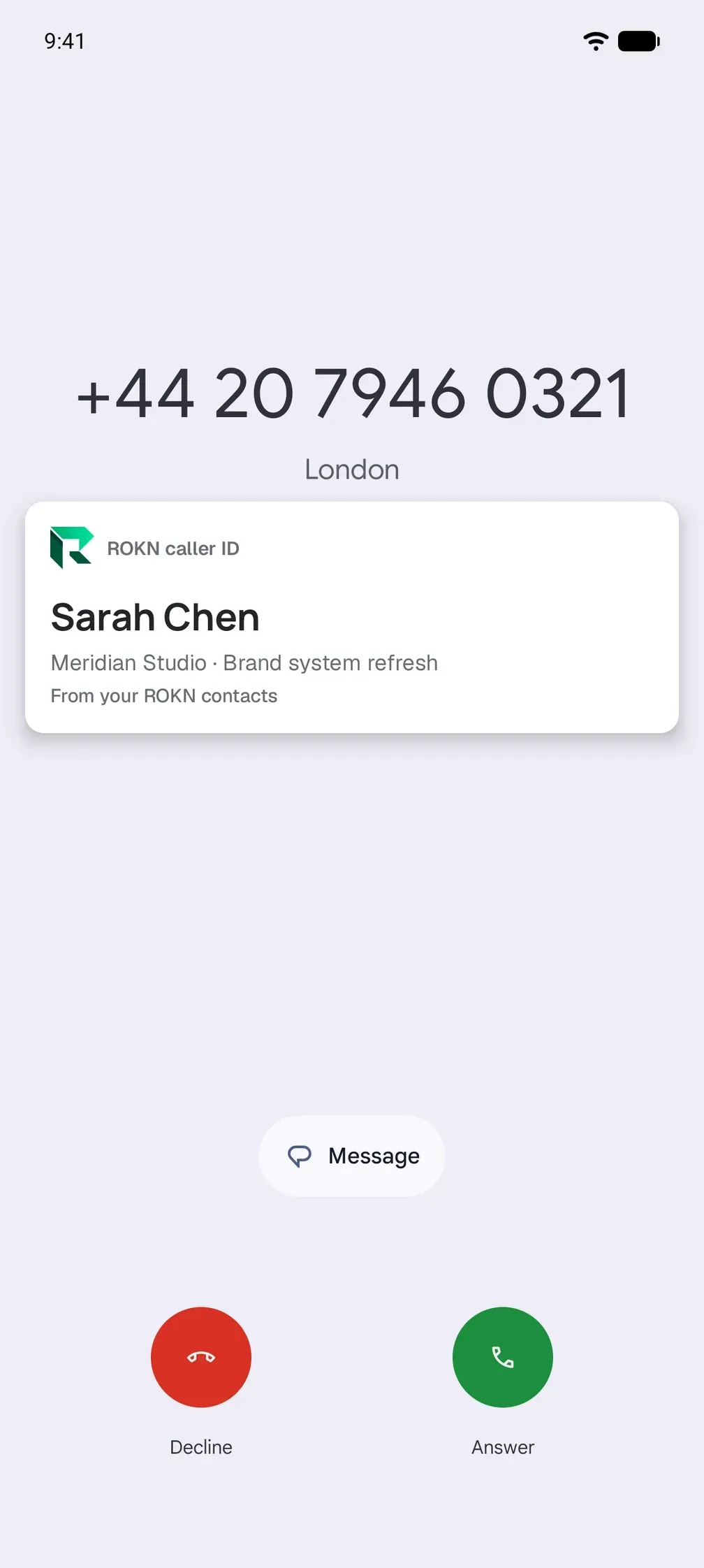


Built out of a very familiar frustration.
Every client meant a CRM entry, a drive folder, a task board, an invoice spreadsheet and a password somewhere. Rokn puts them back around the client.From the freelance software engineer who builds Rokn
Start with the essentials on Free. Move to Pro or Business when the work needs more.
€0/ month
Start free€19/ month
Choose Pro€49/ month
Choose BusinessFreelancers and small agencies who deliver digital work: web developers, designers, studios and teams that run website care plans. Start with the parts you need and add the rest later.
Usually a CRM, a task board, a time tracker, an invoicing tool, a shared drive, a support inbox and the notes app holding client passwords. In Rokn they all work from the same client record.
Yes. Each client gets a portal showing what you choose: projects, invoices, documents, tickets, assets and credentials. Quotes, contracts and payments also work from a link, without an account.
No. Import your clients from a CSV file, start one project, and bring the rest over as you go.
Your records are stored in the EU. Files go to managed storage in the EU or the US, chosen when you create the workspace, or can live in your own S3-compatible storage, and you can export the whole workspace at any time.
Yes, in your phone's browser, for you and for your clients' portal. Apps for Android and iPhone are coming soon.
Start with your first client and project, and add the rest as you go.